Everest
AR/VR
Overview
Mount Everest has always radiated magic. At 8848 meters it is the highest mountain on earth and is also known as the roof of the world. Many people set out to climb the mountain top year after year, but not all reach the summit. You can reach the summit via the north route located in Tibet. However, the southern route starting in Nepal is more popular.
The aim of this project is to convey the topology of Mount Everest to the user in an impressive way. In addition, the southern route is marked and the camps where the climbers are staying are displayed, which serve as a visualization of how many people are currently on each summit.
Instructions
The user starts in the so called overview as seen in the initial part of the video, in which the southern route is visible and the individual camps are visualized as spheres. The base camp, where all mountaineers start their tour, is colored yellow. The top, as the target, is colored green. All other camps are blue. To increase the sense of overview, the player, which is controlled by the user, is placed on a hill. There is a button field on the ground in front of the player which, when activated, displays informative text about climbing Mount Everest. In order to generate the greatest possible immersion, an icy wind noise can be heard in every scene. (Unfortunately, it was not possible to record the sound in the screen capture)
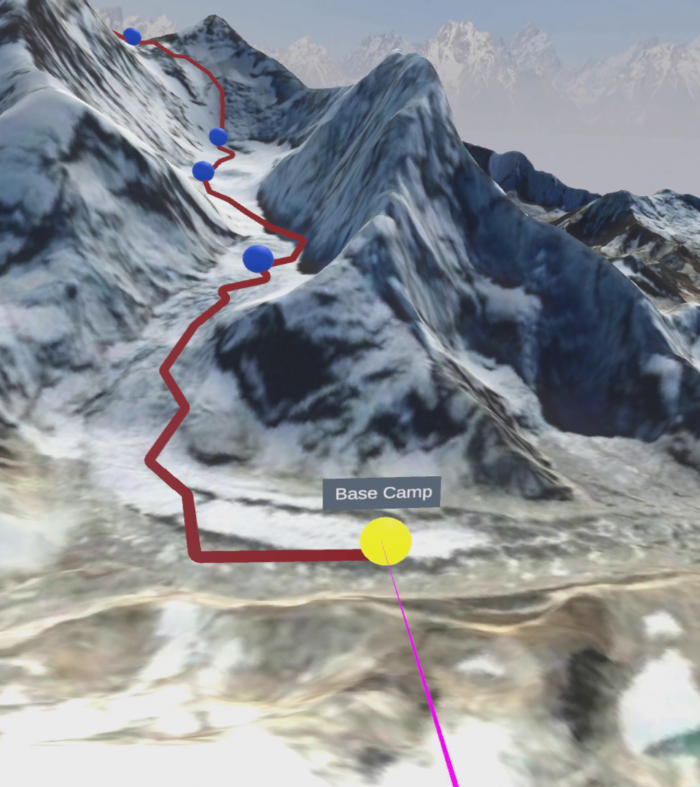
Raycast highlight
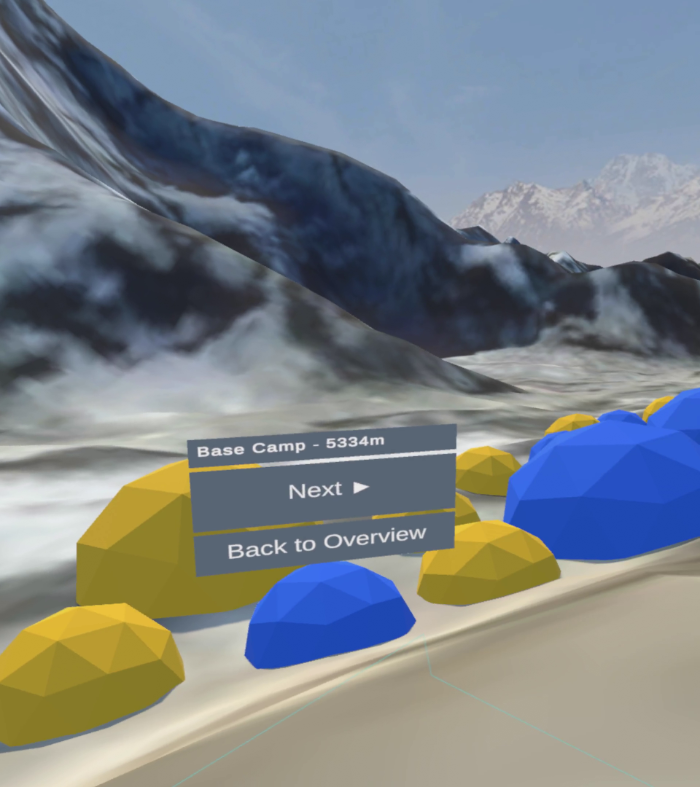
Tents and navigation
A permanent ray cast is visible on the player’s right hand, allowing the user to target interactive objects and select them through the trigger switch. In the overview scene, the camp spheres and the button on the ground can be selected. If a camp is targeted, the user receives feedback by highlighting the object and displaying the name. It’s similar with the button on the floor. This also changes the icon as soon as the text panel is visible. In general, it can be said that the user cannot move through the scene by teleporting or the like. So you can use the application in any real position, be it standing or sitting. By moving the head, the player can perceive the scene from different viewing angles and can use the controller to turn around the own axis in certain units.
Selecting a camp will change the scene for that destination. In all camps you always have some tents and a navigation menu in view. The player’s scaling is proportional to the elements in the scene, which are disproportionately large, giving the user a good overview of the environment. In our tests, we found out that in a real scaling of the player you get a better impression of the environment, but you easily lose the overview and thus the orientation of the overall scenery. For this reason we have found the best compromise between the two variables with the size of the player from our point of view.
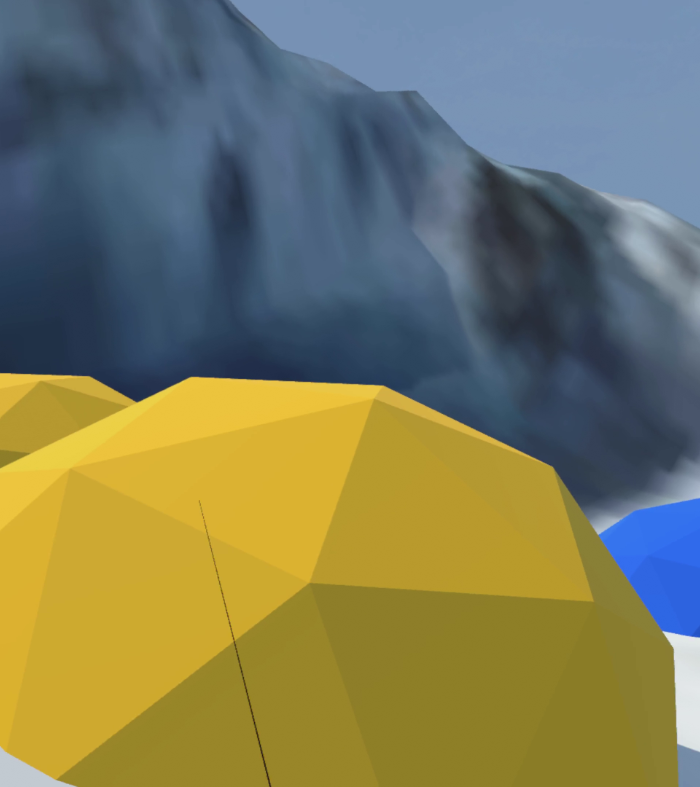
A camp with approx. 300 people
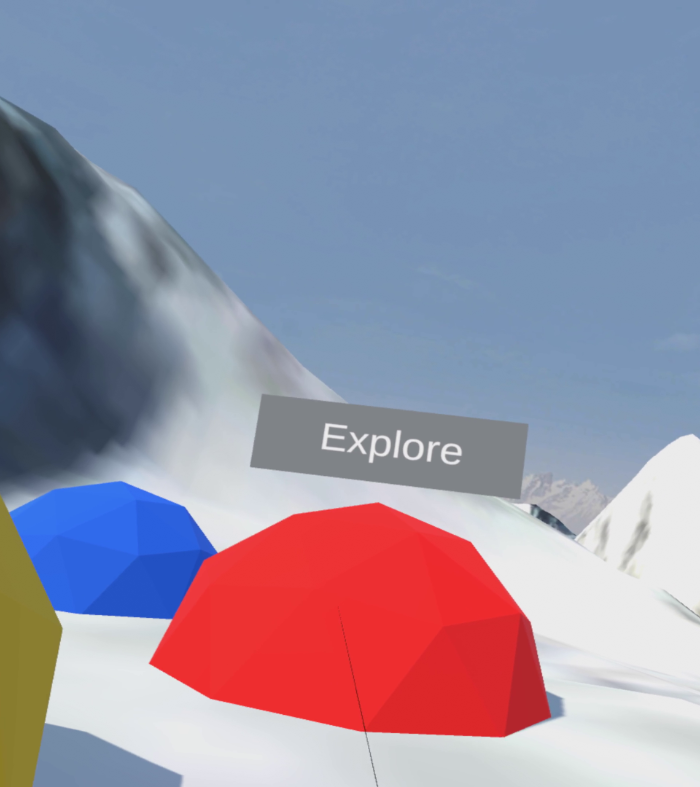
A red tent
Each tent represents 100 people who are in each camp at that moment. The number of tents in each camp gives the user an impressive impression of how the number of climbers decreases the higher one climbs. The yellow and blue tents correspond to the usual tents that are used in the camps.
In some camps red colored tents are placed. These represent the transition to the scenes of my project partner Marlen Freiberger. In them the user can explore different VR interaction concepts. In addition, a navigation menu can be seen in each camp, which shows exactly where the user currently is. This menu allows to switch between the camps and the overview at any time. When the user arrives at the top, the player is located in a scene where a 360-degree video is playing. There it is experienceable how happy the climbers are who made it to the top of Mount Everest. In addition, there is a wonderful view to the south, which is exactly the direction from which the climb was made.
Implementation
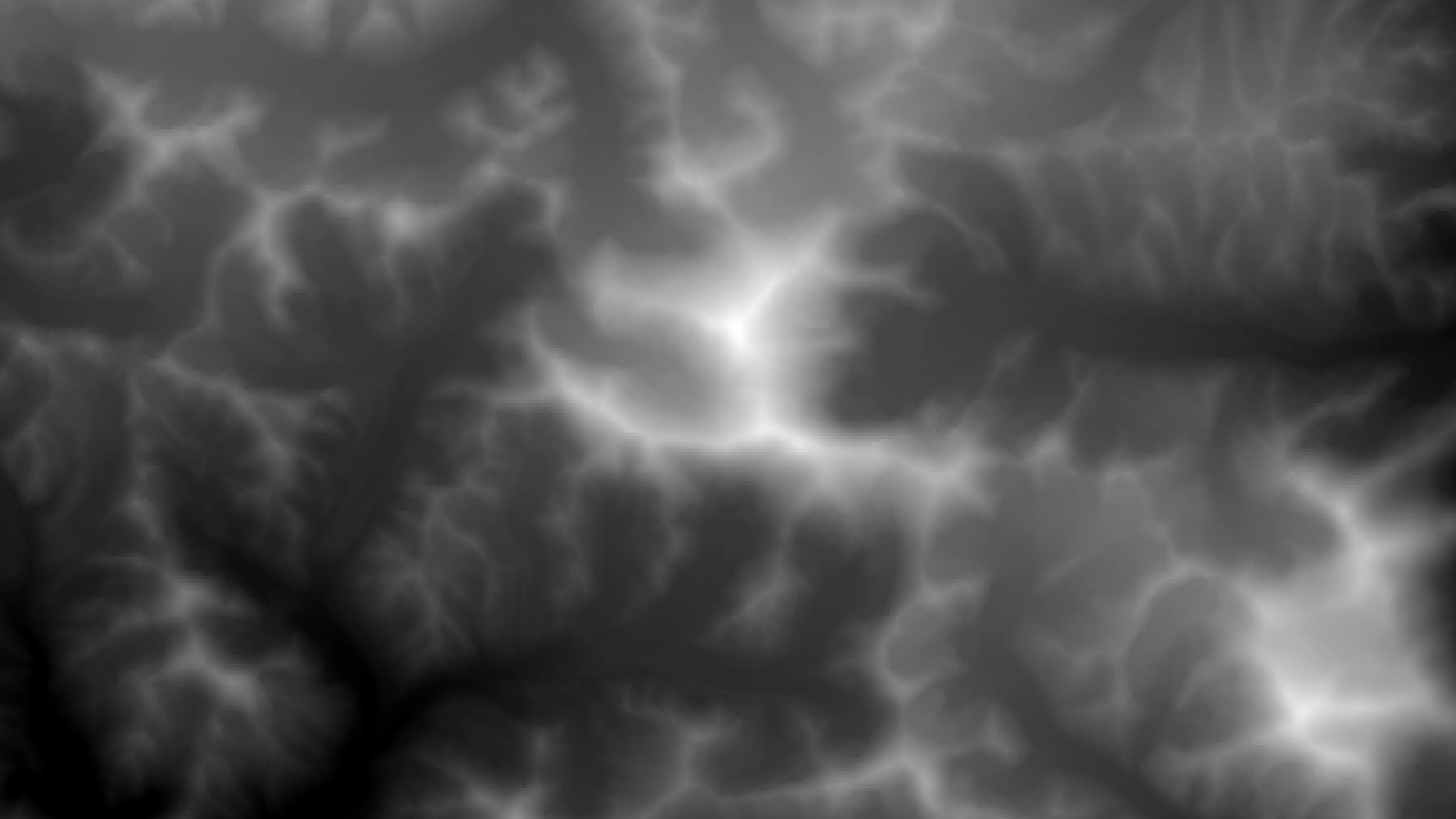
Heightmap of Mount Everest on Google Earth Engine
Satellite data from the Google Earth Engine was used to implement the terrain. Within the platform, elevation data from SRTM Digital Elevation Data Version 4 were used. These were registered with satellite imagery. The SRTM data was used as an elevation map in Unity to form the terrain and the image data was applied to it as a texture. The exact geographical data of the southern route and the camps were taken from an online 3D map. Subsequently, these sources were merged to produce a fully comprehensive map. The standard SteamVR player used was set in every scene. The Ray Cast is used to select objects and as soon as the pointer points to an interactive object, the default material changes to a highlight material so that the selection becomes visible. When the trigger is pressed, a transformation element is activated, which, for example, performs a scene change. A scene handler monitors all these actions and orchestrates the actions. In the Peak scene, a 360-degree video is played that was recorded on the top of Mount Everest and was implemented as a skybox.
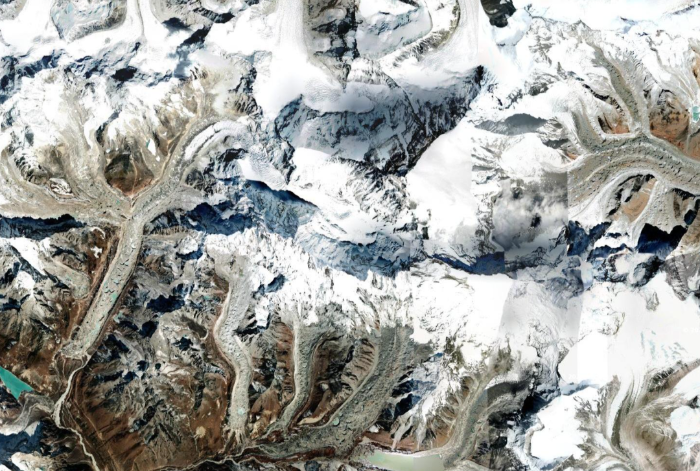
Satellite imagery as texture
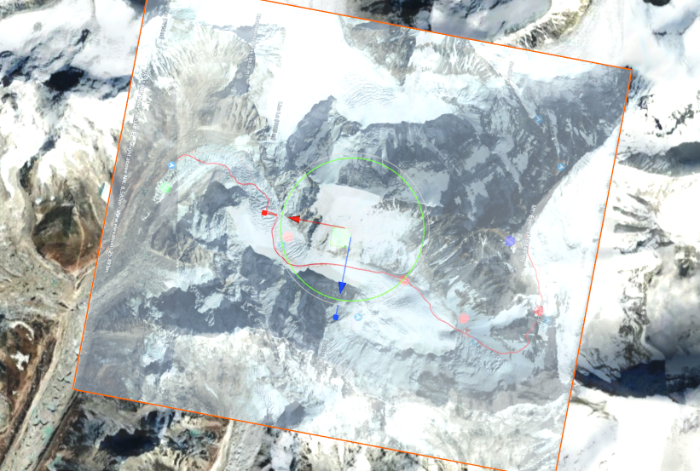
Terrain with trail mapping overlay
Details
Tools used
Unity, Google Earth Engine, SteamVR, Visual Studio, C#, Blender, Valve Index
Institution
University of Applied Sciences Upper Austria
Course
Virtual Reality
Lecturer
FH-Prof. Dr. techn. Dipl.-Inf. (FH) Christoph Anthes, MSc
Team